App
Cardboard Slicer
Slice 3D STL models into layers for laser-cut cardboard assembly.
- 3D
- STL
- laser cutting
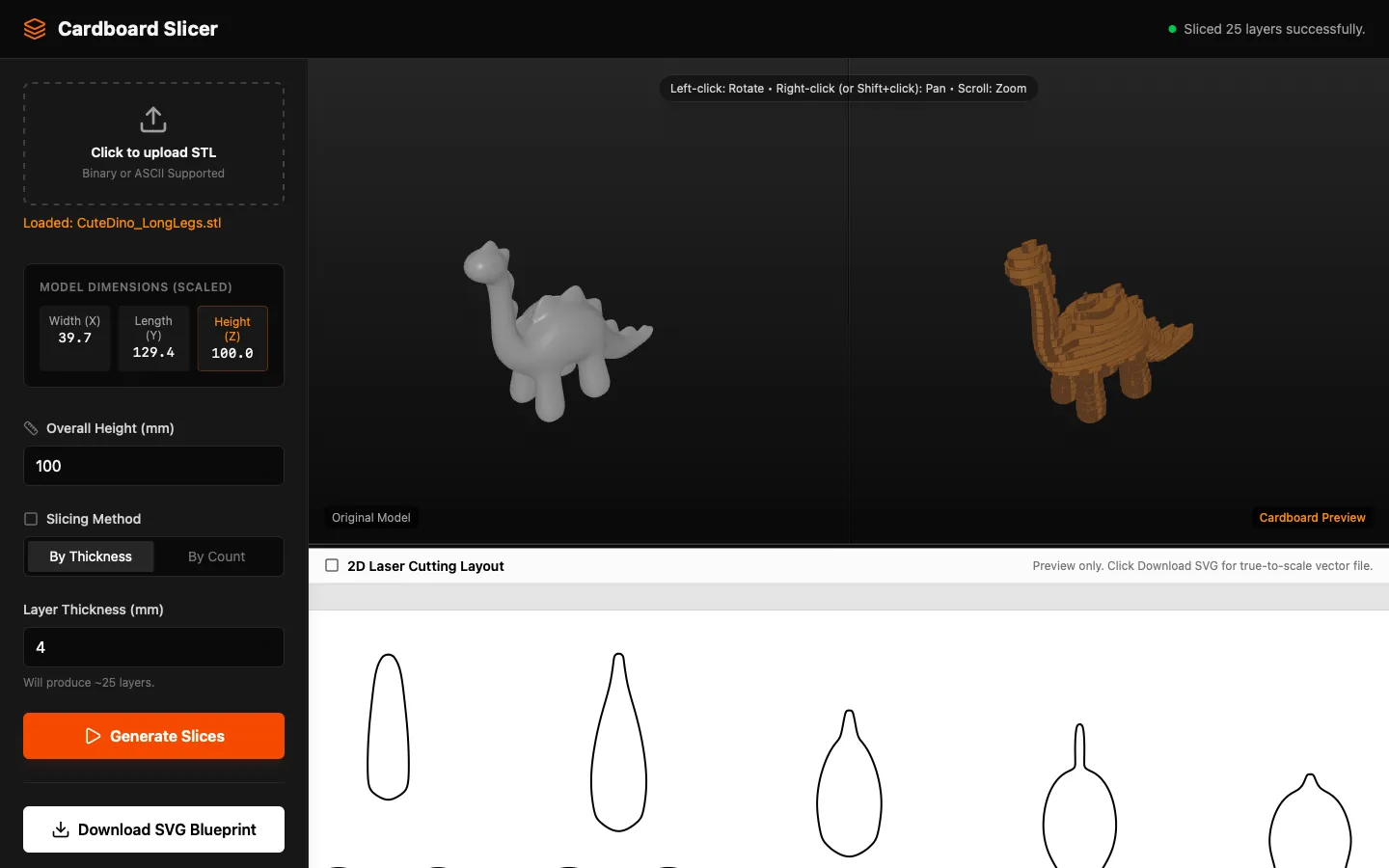
Load an STL and the app slices it into flat layers at your material thickness. Cut the layers, stack them, and you have the model in cardboard.
How it works
The model is sliced along one axis at a spacing equal to the board thickness. Each slice becomes a closed outline, and the outlines are laid out for cutting. Registration holes keep the stack aligned as it is glued up.
Notes
- Thickness is the real measured thickness of your board, not the nominal one. Corrugated cardboard sold as 3 mm is rarely 3 mm.
- Tall models produce a lot of layers. Check the layer count before cutting.